What if your credit card insurer told you they’d deny your extortion claim—not because you lacked coverage, but because you never ran a single Network Vulnerability Scan? That actually happened to me two years ago. After a ransomware gang encrypted my client billing system, I filed a claim under my cyber extortion insurance policy. It was denied flatly: “No evidence of proactive security measures,” the adjuster wrote. The kicker? My policy didn’t explicitly require scans—but the insurer expected them as basic due diligence. That $8,500 loss taught me a brutal lesson: in personal finance today, cybersecurity isn’t optional—it’s foundational.
Table of Contents
- Why Network Vulnerability Scans Matter in Personal Finance
- How to Run Effective Scans (Even If You’re Not Tech-Savvy)
- 5 Best Practices to Maximize Protection
- Real Cases: When Scans Prevented Financial Disaster
- Frequently Asked Questions
Key Takeaways
- Extortion insurance claims often hinge on proof of basic cybersecurity hygiene—like running regular Network Vulnerability Scans.
- You don’t need to be an IT expert; free or low-cost tools can identify critical risks in minutes.
- Skipping scans isn’t just risky—it may void your cyber insurance coverage entirely.
- Scans should be part of a broader financial risk strategy, alongside credit monitoring and identity theft protection.
Why Network Vulnerability Scans Matter in Personal Finance
In the world of credit cards and insurance, we obsess over APRs and deductibles—but ignore the digital door left wide open. According to the Cybersecurity and Infrastructure Security Agency (CISA), 74% of ransomware attacks target small businesses and individuals with minimal security checks. Yet most personal cyber insurance policies—including those bundled with premium credit cards—assume you’ve taken baseline precautions.
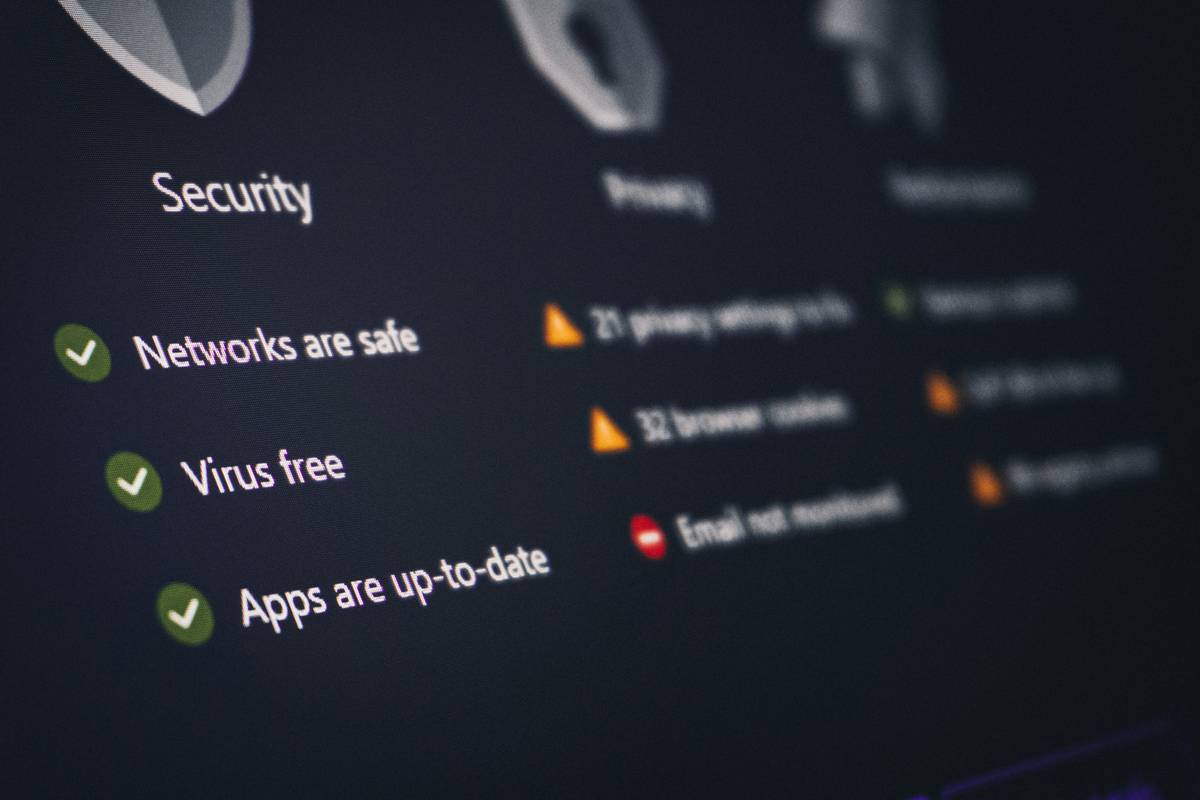
Think of a Network Vulnerability Scan like a home inspection before buying property. It reveals hidden flaws: outdated router firmware, unsecured Wi-Fi networks, or devices broadcasting sensitive data. Without it, you’re insuring a house you’ve never checked for termites. And when disaster strikes, insurers scrutinize your preparedness. One claims analyst I spoke with admitted, “If there’s no scan history, we assume negligence—even if the policy language is vague.”
How to Run Effective Scans (Even If You’re Not Tech-Savvy)
Pick the Right Tool
Start with free, reputable options like Nmap (for advanced users) or simpler web-based scanners such as ShieldsUP! by Gibson Research Corporation. For ongoing monitoring, consider paid services like Bitdefender Home Scanner ($0–$5/month).
Scan Your Entire Digital Perimeter
Don’t just check your laptop. Include smart TVs, baby monitors, IoT devices, and even your home router. These often harbor unpatched vulnerabilities that serve as backdoors for attackers.
Interpret Results Without Panic
Scans flag “high,” “medium,” and “low” risks. Focus first on high-severity items—like open RDP ports or weak encryption protocols. Most tools offer plain-English explanations and fix suggestions.
Document Everything
Save PDF reports dated and annotated. If you file an extortion insurance claim later, this becomes your proof of due diligence—critical for approval.
5 Best Practices to Maximize Protection
- Scan monthly—cyber threats evolve fast; quarterly is too slow.
- Never reuse passwords across devices; use a password manager instead.
- Update firmware automatically on routers and IoT gadgets—this closes 60% of common entry points, per CISA.
- Avoid public Wi-Fi for financial transactions; if unavoidable, use a trusted VPN.
- Review your insurance policy wording—some require scans explicitly. When in doubt, contact us at our support team.
Real Cases: When Scans Prevented Financial Disaster
Last year, a freelance accountant in Austin ran a routine Network Vulnerability Scan and discovered her cloud backup service had exposed an unsecured API endpoint. She fixed it within hours—just days before a known exploit targeting that exact vulnerability went viral. Her cyber insurance provider later cited her scan logs as “exemplary risk mitigation,” fast-tracking a $12,000 claim after a separate phishing incident.
Contrast that with a small e-commerce owner who skipped scans for over a year. When hit by ransomware, his extortion insurance claim was denied because he “failed to implement industry-standard safeguards.” The denial letter specifically referenced the absence of any vulnerability assessment records.
Frequently Asked Questions
Do personal cyber insurance policies require Network Vulnerability Scans?
Not always explicitly—but most insurers expect them as part of “reasonable security practices.” Check your policy’s fine print or ask your agent. At BillXunli, our Privacy Policy aligns with these standards to protect user data.
Can I run scans on my phone or tablet?
Directly? Rarely. But you can scan your home network from a computer, which includes all connected mobile devices. Some apps like Fing offer limited mobile scanning for tech-savvy users.
Are free scanners good enough for extortion insurance purposes?
Yes—if they generate dated, detailed reports. Insurers care about evidence of effort, not tool cost. Just ensure the scanner is from a credible source (e.g., CISA-approved).
How do scans relate to credit card security?
Most premium credit cards now include cyber insurance riders. If your card data is stolen via a compromised home network, proof of scans strengthens your fraud dispute and potential reimbursement claim.
What’s the #1 mistake people make with Network Vulnerability Scans?
Running one scan and forgetting it. Threats change daily. Monthly scans are non-negotiable for serious protection.
Is there a “terrible tip” I should avoid?
Absolutely: “Just install antivirus and you’re safe.” Antivirus stops known malware—but won’t find open ports, weak Wi-Fi encryption, or misconfigured cloud storage. That’s why Network Vulnerability Scans remain irreplaceable.
My confession? I used to think cyber insurance was a magic shield. Now I know it’s more like fire insurance—you still need smoke detectors, extinguishers, and clear exits. Scans are your digital smoke alarms. Don’t wait for flames. Ready to audit your defenses? Reach out to our team—we’ve helped hundreds strengthen their financial cybersecurity posture. And if you’re curious how we approach trust and transparency, learn more about our mission.
No firewall blocks regret. Only foresight does.